Surface Pro 3 Graphics Update Improves Performance & Stability Under Windows 10

Surface Pro 3 Graphics Update Improves Performance & Stability Under Windows 10

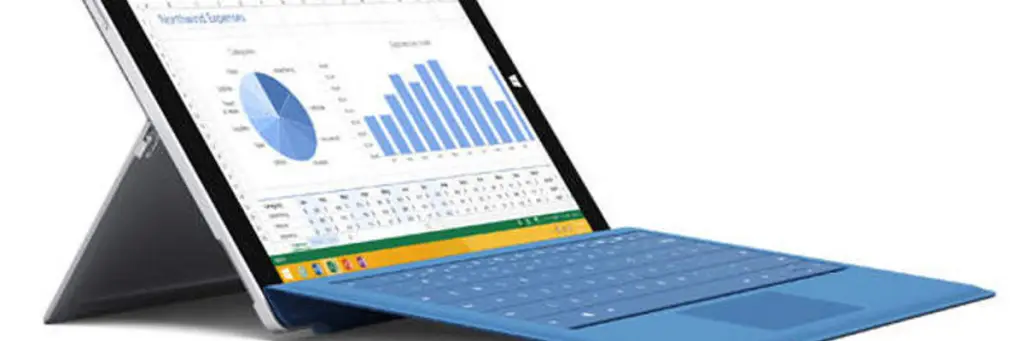
If you have a [Surface Pro 3][LINK-1] you will be receiving a [new update][LINK-2] today to help improve the performance and stability of the Intel HD Graphics 5000 adapter under [Windows 10][LINK-3]:

The following update will be listed as “Intel Corporation driver update for Intel(R) HD Graphics Family” when you view your update history. HD Graphics Family driver update (v10.18.15.4256) improves graphics performance and stability on Windows 10.

Before you go ahead with the update Microsoft warns:
Windows Update Agent Utility (wuauclt.exe)

Windows Update Agent Utility (wuauclt.exe)

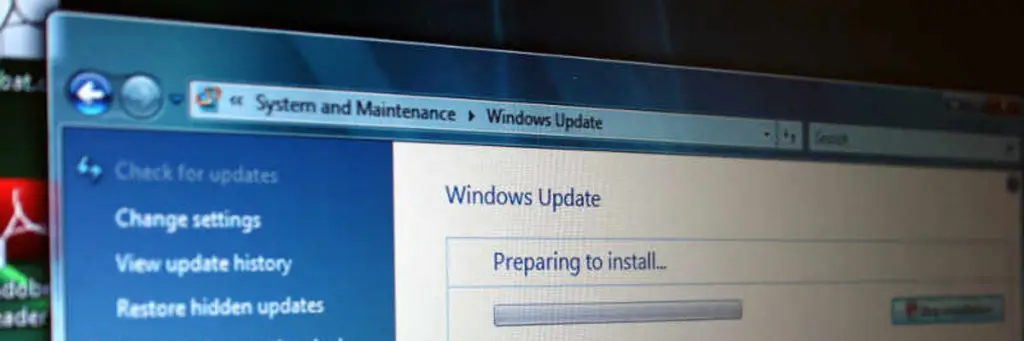
The Windows Update Utility, wuauclt.exe, documentation from Microsoft is more than a little sparse. The utility comes with no help switch, status or output when it is used. This is a utility I’ve bumped heads with a lot in the past so I’ve put together this post to hold the information I’ve found.

wuauclt.exe Switches

Some switches need to be combined with /DetectNow to actually work. Note that when combining parameters, you can use them only in the order specified.

Block Windows 10 Upgrade

Block Windows 10 Upgrade

In an earlier post I wrote about how to force the Windows 10 upgrade through Windows Update. In this post I will show you how to block Windows 10 upgrade from Windows Update.

The confusion around Windows 10 upgrade blocking.

There seems to be some confusion around how to block the Windows 10 upgrade:

  • We should uninstall KB3035583 and all will be well - doesn’t seem to work as the update is reinstalled again. UPDATE: It’s rumoured that if you uninstall this update and then hide it in the Available Updates list it should not reinstall.
  • We should edit the registry to remove the Windows 10 upgrade icon. That also seems to be a bit hit and miss for some people;

The fix that doesn’t seem to be getting much attention is blocking the upgrade with the AllowOSUpgrade registry key. As I blogged previously, this key can be used to force or block the Windows 10 upgrade.

Force The Windows 10 Upgrade With Windows Update

Force The Windows 10 Upgrade With Windows Update

In an earlier post I outlined how to use the Windows 10 Media Creation Tool to download Windows 10. While handy for doing a multiple installs or a clean install, what if you just want to apply the Windows 10 upgrade through Windows Update? In this post I will outline what you need to do to use Windows Update to download the Windows 10 upgrade and apply it to your computer alone.

Windows 10 Media Creation Tool Hiccups - Something Happened?!

Windows 10 Media Creation Tool Hiccups - Something Happened?!

If you’ve run the Windows 10 Media Creation Tool from Microsoft you may well have run into the infamous and cryptic Something Happened error. Don’t feel alone. The internet is awash with people who are in the same frustrating boat you are in.

If you’ve been unlucky enough to see this message then rest easy. Microsoft recently updated their Windows 10 Media Creation Tool and it now provides at least an error code. Microsoft has clearly heard some voices as the error code is a new update to the tool, it was absent before 6 August 2015, but it’s still just that - an error code - no explanation about what the real error is.